explore

2026

Eyes and Ears for AI Agents: How Neural Search is Replacing Traditional Web Search
How Neural Search is Replacing Traditional Web Search
How Neural Search is Replacing Traditional Web Search
20.04.2026
↓ read

Agentic AI Web Search: The Complete Guide to How AI Agents Navigate the Open Web
Something is being built underneath the consumer internet that almost nobody talks about. When an AI agent reads, searches, or extracts information from the web, it does not use Google the way you do. It uses a different layer of infrastructure: purpose built indexes, scrapers, and orchestration systems designed for machines, not humans. This guide is a map of that layer, and an honest accounting of what works, what breaks, and what gets quietly traded away in the process.
We will walk through what agentic AI search actually is, why traditional search fails for agents, the eight kinds of work an agent does on the open web, and the eleven specialized tools that make that work possible. We will also be direct about the parts the vendor pages skip: the dependencies, the degraded MCP versions, the surveillance side of livecrawl, the consolidation that is happening in front of us, and the open question of who gets to audit any of these systems.
This guide is written for researchers, builders, and anyone trying to understand how AI agents are quietly rewiring how knowledge moves on the internet.
We will walk through what agentic AI search actually is, why traditional search fails for agents, the eight kinds of work an agent does on the open web, and the eleven specialized tools that make that work possible. We will also be direct about the parts the vendor pages skip: the dependencies, the degraded MCP versions, the surveillance side of livecrawl, the consolidation that is happening in front of us, and the open question of who gets to audit any of these systems.
This guide is written for researchers, builders, and anyone trying to understand how AI agents are quietly rewiring how knowledge moves on the internet.
Table of Contents
- What is agentic AI search?
- What is the "open web," really?
- Why traditional search breaks for agents
- The eight jobs an agent does on the open web
- The eleven tools, with their limits
- MCP versus API: the access mode that changes everything
- How to choose the right tool for each job
- The shape of the market, and what it costs us
- FAQ
1. What Is Agentic AI Search?
Agentic AI search is the practice of letting an autonomous AI agent, typically a large language model with tool use capabilities, plan, execute, and synthesize web research on its own. Rather than a person typing a query into a search box and clicking through ten blue links, an agent decides what to search for, when to search again, which results matter, what to read in full, and how to combine all of it into an answer.
The shift is structural. Classic search is a single round trip: query goes in, ranked links come out, the human does the rest. Agentic search is a loop. Plan, search, read, evaluate, pivot, search again, synthesize. The agent runs that loop dozens of times for a single complex question, and the difference in outcome quality is enormous.
A widely cited result from the BrowseComp benchmark makes this concrete. The same model given direct browser access without agentic orchestration scored about 1.9% on hard research questions. The same model wrapped in an agentic loop scored 51.5%. The model did not change. The infrastructure around it did.
That insight defines the rest of this guide. The interesting question is not "which tool has the best index?" The interesting question is which tools support which kinds of agentic work, what they actually deliver versus what they claim to deliver, and what you give up when you choose one.
The shift is structural. Classic search is a single round trip: query goes in, ranked links come out, the human does the rest. Agentic search is a loop. Plan, search, read, evaluate, pivot, search again, synthesize. The agent runs that loop dozens of times for a single complex question, and the difference in outcome quality is enormous.
A widely cited result from the BrowseComp benchmark makes this concrete. The same model given direct browser access without agentic orchestration scored about 1.9% on hard research questions. The same model wrapped in an agentic loop scored 51.5%. The model did not change. The infrastructure around it did.
That insight defines the rest of this guide. The interesting question is not "which tool has the best index?" The interesting question is which tools support which kinds of agentic work, what they actually deliver versus what they claim to deliver, and what you give up when you choose one.
2. What Is the "Open Web," Really?
Before we talk about tools, we need to be precise about the territory they operate on. The open web is the slice of the internet that automated crawlers, the bots that build search indexes, can reach without authentication, and that ends up in those indexes.
Technically, that means three things have to be true. The page is reachable at a public URL. The server returns content for an unauthenticated HTTP request. The site's robots.txt does not forbid indexing. GoogleBot, BingBot, and PerplexityBot can all get there.
What is in the open web: public websites, blogs, documentation, open GitHub repositories, news articles without paywalls, arXiv preprints, most of Wikipedia.
What is not:
The boundary is not absolute. The same site can be partly in the open web (its landing page, blog) and partly outside (its dashboard behind a login). Most agentic AI search tools target only the open web slice. When an agent needs to read a paywalled article or query a proprietary database, that is a different infrastructure problem and a different conversation about access, which we will return to.
Technically, that means three things have to be true. The page is reachable at a public URL. The server returns content for an unauthenticated HTTP request. The site's robots.txt does not forbid indexing. GoogleBot, BingBot, and PerplexityBot can all get there.
What is in the open web: public websites, blogs, documentation, open GitHub repositories, news articles without paywalls, arXiv preprints, most of Wikipedia.
What is not:
- Pages behind a login (Gmail, Notion documents, LinkedIn profiles for unauthenticated visitors)
- Paywalled content. The page technically loads, but the crawler only sees a preview
- Dynamic content rendered exclusively through JavaScript and not indexed by standard crawlers, for example content hidden behind a button click that a passive bot cannot perform
- The dark web (different protocol, .onion addresses)
- Databases behind an API key. Even when the data is public (SEC EDGAR, PubMed), standard crawlers do not traverse them in full because the data lives in a database behind a query form, not in HTML pages with stable URLs
The boundary is not absolute. The same site can be partly in the open web (its landing page, blog) and partly outside (its dashboard behind a login). Most agentic AI search tools target only the open web slice. When an agent needs to read a paywalled article or query a proprietary database, that is a different infrastructure problem and a different conversation about access, which we will return to.
3. Why Traditional Search Breaks for Agents
Google was built for humans. Humans squint at ten results, pick one, click, scan, and decide whether to keep reading. That entire workflow assumes a fast, judgment rich consumer in the loop. Agents do not have that consumer.
When you point an LLM at a Google results page, three things go wrong.
The interface is the wrong shape. Search engine results pages are designed for visual scanning. Ads, knowledge panels, snippets, infinite scroll. Agents need clean, structured text. Every byte of HTML chrome is wasted context window.
Ranking is optimized for clicks, not for completeness. Google's algorithms reward pages that satisfy the first user click. That is often not the page with the deepest information. It is the page that loads fastest, has the cleanest snippet, and matches commercial search intent. Agents doing research do not want what most people clicked on. They want the source most relevant to the underlying question.
Keyword indexing misses meaning. Classic indexes (Google, Bing, Brave) are built on token matching, variants of BM25 and similar algorithms. They look for pages where the query words literally appear. That works beautifully for "Anthropic Claude API pricing 2026," but it falls apart on "essays criticizing modern AI benchmarks." The same idea can be expressed in dozens of ways. Pure token matching cannot bridge them.
A different infrastructure has emerged to serve agents directly. It looks like this:
When you point an LLM at a Google results page, three things go wrong.
The interface is the wrong shape. Search engine results pages are designed for visual scanning. Ads, knowledge panels, snippets, infinite scroll. Agents need clean, structured text. Every byte of HTML chrome is wasted context window.
Ranking is optimized for clicks, not for completeness. Google's algorithms reward pages that satisfy the first user click. That is often not the page with the deepest information. It is the page that loads fastest, has the cleanest snippet, and matches commercial search intent. Agents doing research do not want what most people clicked on. They want the source most relevant to the underlying question.
Keyword indexing misses meaning. Classic indexes (Google, Bing, Brave) are built on token matching, variants of BM25 and similar algorithms. They look for pages where the query words literally appear. That works beautifully for "Anthropic Claude API pricing 2026," but it falls apart on "essays criticizing modern AI benchmarks." The same idea can be expressed in dozens of ways. Pure token matching cannot bridge them.
A different infrastructure has emerged to serve agents directly. It looks like this:
This is the layer the rest of this guide explores. It is also a layer that is younger, less audited, and more concentrated than its consumer facing predecessor, which is part of why we are writing this in the first place.
4. The Eight Jobs an Agent Does on the Open Web
Different searches require different infrastructure. To choose tools well, you need a vocabulary for the work itself, not for the tools.
We use the Jobs To Be Done framework. Each job is a specific kind of work an agent performs in the open web, with its own functional goal, success criteria, and infrastructure constraints. There are eight of them. They are not exhaustive, but they cover the vast majority of what AI agents actually do online.
For each job, we describe when it triggers, what infrastructure it requires, what success looks like, what fails quietly, and which tools fit best.
We use the Jobs To Be Done framework. Each job is a specific kind of work an agent performs in the open web, with its own functional goal, success criteria, and infrastructure constraints. There are eight of them. They are not exhaustive, but they cover the vast majority of what AI agents actually do online.
For each job, we describe when it triggers, what infrastructure it requires, what success looks like, what fails quietly, and which tools fit best.
Job 1. Find information by meaning
Job statement: When an agent receives a conceptual query, not exact words but ideas, content type, or theme, it wants to find relevant pages on the open web even if the exact words of the query appear nowhere.
Context. The query describes a concept, an approach, a type of material, or a pattern. Examples: "engineering blogs that explain ML intuitively," "case studies of companies that migrated from monoliths to microservices," "essays criticizing modern AI benchmarks." There are no precise keywords. There is a description of the ideal content.
Functional goal. Get a list of URLs whose content is semantically close to the query. Not "where these words appear," but "where this idea is discussed."
Infrastructure constraint. The open web is indexed, but classical indexes (Google, Bing, Brave) are built on token matching: they look for pages where the query words literally appear. For conceptual queries, this breaks. One idea can be expressed in a dozen different formulations. Semantic search requires a vector index: every page and every query is converted into a numerical vector, and proximity in vector space equals proximity in meaning. That index is a separate piece of infrastructure, built specifically for this purpose by companies like Exa and Perplexity. It is not a layer on top of Google. It is a fundamentally different type of storage.
Success criterion. Pages returned are substantively relevant to the topic, even if they use entirely different terminology. The agent can continue working with the content without an additional filter pass.
What fails quietly. Most open web tools that claim "semantic search" use keyword indexes under the hood with ML overlays. The semantics are shallow and the failure mode is silent: you get plausible looking results that miss the conceptually closest sources. Vector indexes also update more slowly than keyword indexes, so very fresh content may not be there yet. Result quality depends heavily on how the query is phrased, which means the user has to learn a new search grammar to get good output. And paywalled content is invisible to vector indexes too: the gates do not move because you switched to embeddings.
Best tools. Exa (MCP and API) is the only tool with genuine semantic search across the web. Phrase the query as a description of ideal content, not as keywords. Parallel API also understands meaning through its objective parameter, but it is tuned for deep multistep research and is overkill for a single quick lookup. Claude Native Web Access (built in web_search) runs on Brave, which is a keyword index, so semantics are basic at best, even if the marketing implies otherwise.
Functional goal. Get a list of URLs whose content is semantically close to the query. Not "where these words appear," but "where this idea is discussed."
Infrastructure constraint. The open web is indexed, but classical indexes (Google, Bing, Brave) are built on token matching: they look for pages where the query words literally appear. For conceptual queries, this breaks. One idea can be expressed in a dozen different formulations. Semantic search requires a vector index: every page and every query is converted into a numerical vector, and proximity in vector space equals proximity in meaning. That index is a separate piece of infrastructure, built specifically for this purpose by companies like Exa and Perplexity. It is not a layer on top of Google. It is a fundamentally different type of storage.
Success criterion. Pages returned are substantively relevant to the topic, even if they use entirely different terminology. The agent can continue working with the content without an additional filter pass.
What fails quietly. Most open web tools that claim "semantic search" use keyword indexes under the hood with ML overlays. The semantics are shallow and the failure mode is silent: you get plausible looking results that miss the conceptually closest sources. Vector indexes also update more slowly than keyword indexes, so very fresh content may not be there yet. Result quality depends heavily on how the query is phrased, which means the user has to learn a new search grammar to get good output. And paywalled content is invisible to vector indexes too: the gates do not move because you switched to embeddings.
Best tools. Exa (MCP and API) is the only tool with genuine semantic search across the web. Phrase the query as a description of ideal content, not as keywords. Parallel API also understands meaning through its objective parameter, but it is tuned for deep multistep research and is overkill for a single quick lookup. Claude Native Web Access (built in web_search) runs on Brave, which is a keyword index, so semantics are basic at best, even if the marketing implies otherwise.
Job 2. Find information by exact query
Job statement: When an agent knows exactly what it is looking for, a specific fact, name, brand, date, or product, it wants to find pages where that thing is mentioned, to get a precise answer without interpretation.
Context. The query contains a specific name, product name, brand, acronym, or date. Examples: "Anthropic Claude API pricing 2026," "Bing Search API shutdown date," "Exa AI Series B funding amount." The agent knows the exact words. It just needs to find where they appear.
Functional goal. Get pages where the literal query terms appear. Priority is exact match precision, not semantic proximity.
Infrastructure constraint. The open web is indexed by keyword indexes (BM25 and its descendants). That is the standard infrastructure of Google, Bing, and Brave. For exact queries, this is the optimal tool. The algorithm literally finds word matches and ranks by frequency and source authority. Semantic search is overkill here. It adds computational complexity without quality gains for concrete factual queries.
Success criterion. A page with the specific fact, number, or name is found. The agent can extract the answer directly.
What fails quietly. Paywalled content is not indexed, or only partially. Very fresh information (within hours) may not be in the index yet. Popular commercial queries return SEO clutter: optimized articles with no real content, often AI generated themselves, sometimes ranking above the actual primary sources. And ambiguity is brutal: if the name is not unique, results blur together and the agent cannot tell. The tools rarely flag this; they just confidently return whatever ranked highest.
Best tools. Tavily (MCP and API) searches via Google and returns clean text in one call. No extra steps. Brave Search API is an independent index that returns a list of results without AI processing. Serper is the cheapest way to access Google's SERP. List of links only, no page text. Perplexity Sonar API searches and immediately formulates a finished answer with citations. It is also the fastest option, though as we will see below, "fastest" buys speed at the cost of transparency. Claude Native Web Access is the simplest if you are already in Claude.
Functional goal. Get pages where the literal query terms appear. Priority is exact match precision, not semantic proximity.
Infrastructure constraint. The open web is indexed by keyword indexes (BM25 and its descendants). That is the standard infrastructure of Google, Bing, and Brave. For exact queries, this is the optimal tool. The algorithm literally finds word matches and ranks by frequency and source authority. Semantic search is overkill here. It adds computational complexity without quality gains for concrete factual queries.
Success criterion. A page with the specific fact, number, or name is found. The agent can extract the answer directly.
What fails quietly. Paywalled content is not indexed, or only partially. Very fresh information (within hours) may not be in the index yet. Popular commercial queries return SEO clutter: optimized articles with no real content, often AI generated themselves, sometimes ranking above the actual primary sources. And ambiguity is brutal: if the name is not unique, results blur together and the agent cannot tell. The tools rarely flag this; they just confidently return whatever ranked highest.
Best tools. Tavily (MCP and API) searches via Google and returns clean text in one call. No extra steps. Brave Search API is an independent index that returns a list of results without AI processing. Serper is the cheapest way to access Google's SERP. List of links only, no page text. Perplexity Sonar API searches and immediately formulates a finished answer with citations. It is also the fastest option, though as we will see below, "fastest" buys speed at the cost of transparency. Claude Native Web Access is the simplest if you are already in Claude.
Job 3. Conduct deep research
Job statement: When an agent receives a complex, multistep question, it wants to autonomously research the topic across dozens of iterations of search and reading, in order to synthesize a structured answer and verify its sources.
Context. The task requires synthesis across disparate sources. Comparing markets, analyzing an industry, profiling a person or company, understanding a technical area. A single search does not give the full picture. You need iterations: found, read, spotted a gap, refined, found more.
Functional goal. Not to find a single page. To gather, cross check, and synthesize information from 20 to 100+ sources. The output is a coherent report with citations, not a list of links.
Infrastructure constraint. This is not an index problem. The open web contains the information. The problem is that information is distributed across hundreds of sources, often contradictory, and unreachable through a single query. The constraint is the agent's context window: it cannot read everything at once, so you need agentic orchestration. The plan, search, read, evaluate, pivot loop. This is the crucial finding from the BrowseComp benchmark we mentioned: a model with browser access but no agentic orchestration scores 1.9%. The same model in an agentic loop scores 51.5%. The difference is not in the index. It is in the orchestration.
Success criterion. The report covers all aspects of the topic, contains verified claims with source citations, and contradictions between sources are identified and called out. The agent decided on its own when there was enough information.
What fails quietly. This is the job where failures are hardest to catch. Hallucinations: the agent invents facts instead of looking them up, and the citations may even look real. Context window exhaustion: at 100+ sources the agent compresses, and you do not see what got dropped. The agent stops too early because it decided it had enough. Paywalled content is closed off, so important sources are silently absent from the synthesis. The output is confident and structured, which makes it easy to trust and hard to verify. We will say it directly: a deep research output that you cannot audit is a worse epistemic position than no output at all, dressed up to look better. Treat these reports as a first draft of an investigation, not as the investigation.
Best tools. Parallel (MCP and API) gives the best results on hard tasks: 58% on BrowseComp versus GPT-5's 38% and Exa Research's 14%. It decides on its own how many searches to run and returns a synthesis with citations and confidence scores. Parallel is also the least transparent tool in this list about its underlying architecture, so you are trusting the output without much insight into how it was built. Perplexity Sonar API is the fastest deep research engine (3 to 5 minutes), backed by a 200B+ URL proprietary index. Speed comes with a caveat we discuss in the tool section. Exa API has a /research endpoint for autonomous deep research, but it is weaker than Parallel on hard tasks. Claude Native Web Access powers Claude Research under the hood (5 to 15 minute runs).
Functional goal. Not to find a single page. To gather, cross check, and synthesize information from 20 to 100+ sources. The output is a coherent report with citations, not a list of links.
Infrastructure constraint. This is not an index problem. The open web contains the information. The problem is that information is distributed across hundreds of sources, often contradictory, and unreachable through a single query. The constraint is the agent's context window: it cannot read everything at once, so you need agentic orchestration. The plan, search, read, evaluate, pivot loop. This is the crucial finding from the BrowseComp benchmark we mentioned: a model with browser access but no agentic orchestration scores 1.9%. The same model in an agentic loop scores 51.5%. The difference is not in the index. It is in the orchestration.
Success criterion. The report covers all aspects of the topic, contains verified claims with source citations, and contradictions between sources are identified and called out. The agent decided on its own when there was enough information.
What fails quietly. This is the job where failures are hardest to catch. Hallucinations: the agent invents facts instead of looking them up, and the citations may even look real. Context window exhaustion: at 100+ sources the agent compresses, and you do not see what got dropped. The agent stops too early because it decided it had enough. Paywalled content is closed off, so important sources are silently absent from the synthesis. The output is confident and structured, which makes it easy to trust and hard to verify. We will say it directly: a deep research output that you cannot audit is a worse epistemic position than no output at all, dressed up to look better. Treat these reports as a first draft of an investigation, not as the investigation.
Best tools. Parallel (MCP and API) gives the best results on hard tasks: 58% on BrowseComp versus GPT-5's 38% and Exa Research's 14%. It decides on its own how many searches to run and returns a synthesis with citations and confidence scores. Parallel is also the least transparent tool in this list about its underlying architecture, so you are trusting the output without much insight into how it was built. Perplexity Sonar API is the fastest deep research engine (3 to 5 minutes), backed by a 200B+ URL proprietary index. Speed comes with a caveat we discuss in the tool section. Exa API has a /research endpoint for autonomous deep research, but it is weaker than Parallel on hard tasks. Claude Native Web Access powers Claude Research under the hood (5 to 15 minute runs).
Job 4. Get current events
Job statement: When an agent needs to know what is happening right now, within the last hours or days, it wants fresh content on a topic so it can react to the actual state of the world rather than to stale data.
Context. The agent is operating in real time. Monitoring a topic, reacting to an event, gathering today's news. Examples: "what was written about X today," "the latest announcements in field Y this week," "has the Z release dropped yet."
Functional goal. Return content published within a specified time window (hours, days). Priority is freshness, not depth or semantic precision.
Infrastructure constraint. Standard search indexes are built with delay. The crawler visits a page, the page is added to the index. A cycle that takes anywhere from minutes to days depending on the source's authority. For breaking news, that is critical. A separate problem: most indexes do not guarantee temporal filtering. They rank by relevance, not by date. You need specialized infrastructure: either an index that prioritizes fresh content (Google News style logic) or livecrawl, fetching content directly from the source right now, bypassing the index entirely.
Success criterion. Content returned was published within the requested time range. The agent can claim its information is current as of the request.
What fails quietly. Paywalled news outlets (NYT, WSJ, Bloomberg) show only previews, which means breaking news from the highest signal sources is systematically underrepresented. Social networks behind authentication are a separate infrastructure zone entirely, and most major reporting now breaks on those networks first. Livecrawl is more expensive and slower than index based search, and it raises a quieter question: every livecrawl request is a bot hitting a server in real time, which makes the relationship between AI agents and publishers more adversarial than the public discourse usually admits. Content published minutes ago may not be available even via livecrawl. And worth saying out loud: "real time" in this context means minutes, not seconds, despite the marketing.
Best tools. Tavily (MCP and API) sits on top of Google with the best fresh news coverage. The days parameter filters by recency. NewsCatcher API is the only tool whose USP is delivery in minutes after publication: 140,000+ news sources with near real time streaming. It does not answer queries; it monitors and streams. Exa API with livecrawl reads the page right now, bypassing the index. Useful if the content was published just moments ago. Brave Search API has a freshness filter (day, week, month). Perplexity Sonar API has search_recency_filter and very fast response times (358 ms). Claude Native Web Access is the easy default if you are already in Claude.
Functional goal. Return content published within a specified time window (hours, days). Priority is freshness, not depth or semantic precision.
Infrastructure constraint. Standard search indexes are built with delay. The crawler visits a page, the page is added to the index. A cycle that takes anywhere from minutes to days depending on the source's authority. For breaking news, that is critical. A separate problem: most indexes do not guarantee temporal filtering. They rank by relevance, not by date. You need specialized infrastructure: either an index that prioritizes fresh content (Google News style logic) or livecrawl, fetching content directly from the source right now, bypassing the index entirely.
Success criterion. Content returned was published within the requested time range. The agent can claim its information is current as of the request.
What fails quietly. Paywalled news outlets (NYT, WSJ, Bloomberg) show only previews, which means breaking news from the highest signal sources is systematically underrepresented. Social networks behind authentication are a separate infrastructure zone entirely, and most major reporting now breaks on those networks first. Livecrawl is more expensive and slower than index based search, and it raises a quieter question: every livecrawl request is a bot hitting a server in real time, which makes the relationship between AI agents and publishers more adversarial than the public discourse usually admits. Content published minutes ago may not be available even via livecrawl. And worth saying out loud: "real time" in this context means minutes, not seconds, despite the marketing.
Best tools. Tavily (MCP and API) sits on top of Google with the best fresh news coverage. The days parameter filters by recency. NewsCatcher API is the only tool whose USP is delivery in minutes after publication: 140,000+ news sources with near real time streaming. It does not answer queries; it monitors and streams. Exa API with livecrawl reads the page right now, bypassing the index. Useful if the content was published just moments ago. Brave Search API has a freshness filter (day, week, month). Perplexity Sonar API has search_recency_filter and very fast response times (358 ms). Claude Native Web Access is the easy default if you are already in Claude.
Job 5. Read a specific page
Job statement: When an agent has a known URL and wants to get the contents of that page, it wants to process the text without surrounding HTML, ads, and navigation.
Context. The URL is already known: from a previous search, from the user's task, from another tool's output. The agent is not searching. It is reading a specific document. Examples: "read this article," "extract the text from this PDF," "fetch this documentation page."
Functional goal. Get clean text from the specific page, in a format suitable for processing (Markdown, JSON). The URL is known. No search needed.
Infrastructure constraint. A web page in raw form is HTML with navigation, ads, scripts, cookies, and pop ups. LLMs cannot efficiently process raw HTML. Too much noise, tokens wasted. An additional complication: a significant portion of the modern web is rendered via JavaScript (React, Vue, Angular). A static HTTP request returns an empty page. You need a real browser that executes JS. That requires headless browser infrastructure (Playwright, Puppeteer), not simple curl.
Success criterion. Full text content of the page is returned without HTML clutter. If the page is JS rendered, the content is still extracted correctly.
What fails quietly. JavaScript heavy pages require full browser rendering, which is slower and more expensive: read fees scale fast. Antibot defenses (Cloudflare, CAPTCHA) block automated requests, and the failure modes vary. Sometimes you get an error, sometimes you get a placeholder page that looks valid, sometimes you get a slightly different version of the page from what a human visitor sees. Paywalled pages load but show only previews, and the agent cannot always tell the preview from the article. Pages behind authentication are unreachable without a session. Very long pages may not fit a context window in full, so the extractor truncates, and again, the agent cannot always tell.
Best tools. Exa (MCP and API): web_fetch_exa reads a URL and returns clean Markdown. Tavily (MCP and API): tavily_extract reads up to 20 URLs in a single call. Firecrawl (MCP and API) is the best choice for JavaScript heavy pages: where others get an empty page, Firecrawl gets the full content. Jina AI Reader API is free for basic use; just append the URL to the endpoint.
Functional goal. Get clean text from the specific page, in a format suitable for processing (Markdown, JSON). The URL is known. No search needed.
Infrastructure constraint. A web page in raw form is HTML with navigation, ads, scripts, cookies, and pop ups. LLMs cannot efficiently process raw HTML. Too much noise, tokens wasted. An additional complication: a significant portion of the modern web is rendered via JavaScript (React, Vue, Angular). A static HTTP request returns an empty page. You need a real browser that executes JS. That requires headless browser infrastructure (Playwright, Puppeteer), not simple curl.
Success criterion. Full text content of the page is returned without HTML clutter. If the page is JS rendered, the content is still extracted correctly.
What fails quietly. JavaScript heavy pages require full browser rendering, which is slower and more expensive: read fees scale fast. Antibot defenses (Cloudflare, CAPTCHA) block automated requests, and the failure modes vary. Sometimes you get an error, sometimes you get a placeholder page that looks valid, sometimes you get a slightly different version of the page from what a human visitor sees. Paywalled pages load but show only previews, and the agent cannot always tell the preview from the article. Pages behind authentication are unreachable without a session. Very long pages may not fit a context window in full, so the extractor truncates, and again, the agent cannot always tell.
Best tools. Exa (MCP and API): web_fetch_exa reads a URL and returns clean Markdown. Tavily (MCP and API): tavily_extract reads up to 20 URLs in a single call. Firecrawl (MCP and API) is the best choice for JavaScript heavy pages: where others get an empty page, Firecrawl gets the full content. Jina AI Reader API is free for basic use; just append the URL to the endpoint.
Job 6. Crawl an entire site
Job statement: When an agent needs to get content not from a single page but from an entire site or section, it wants to systematically traverse all linked URLs to assemble a complete corpus of documents.
Context. The agent treats a whole site as a knowledge base: "index all the documentation," "gather every blog post," "fetch all product pages." The number of pages is not known in advance.
Functional goal. Get text content of every page within a domain or section, structured. The agent finds and traverses links itself. Individual page URLs are not known up front.
Infrastructure constraint. A single page and an entire site are fundamentally different problems. Crawling requires traversing the link graph (BFS or DFS), deduplicating URLs, respecting robots.txt, managing request rate (rate limiting) so you do not get banned, handling redirect chains, rendering JS for dynamic pages, queuing, and stateful tracking of which URLs have already been processed. That is a full crawler infrastructure. Not a small extension of single page scraping, but a separate class of system.
Success criterion. All pages within the specified domain or section are extracted and converted to clean text. Site structure (URL hierarchy) is preserved.
What fails quietly. Antibot defenses tighten with bulk requests from a single IP. Infinite pages: pagination, filters, URL parameters create an unbounded graph that no crawler navigates cleanly. Duplicate content: the same text under different URLs appears repeatedly in the corpus. robots.txt may forbid crawling parts of the site, and respecting it removes content the user might assume is there. JS rendering of every page is N times slower and more expensive than static crawling, so most crawlers cut corners and you may not realize until later what they skipped. Authenticated sections are unreachable. There is also a wider question about consent that this category of tool does not really answer: site owners who do not want their content used for AI training have very limited recourse beyond robots.txt, which is a polite norm rather than a binding rule.
Best tools. Firecrawl (MCP and API) is the most reliable: it traverses every page, including JS rendered ones. Tavily (MCP and API): tavily_crawl can also traverse a site, but handles JS pages less reliably.
Functional goal. Get text content of every page within a domain or section, structured. The agent finds and traverses links itself. Individual page URLs are not known up front.
Infrastructure constraint. A single page and an entire site are fundamentally different problems. Crawling requires traversing the link graph (BFS or DFS), deduplicating URLs, respecting robots.txt, managing request rate (rate limiting) so you do not get banned, handling redirect chains, rendering JS for dynamic pages, queuing, and stateful tracking of which URLs have already been processed. That is a full crawler infrastructure. Not a small extension of single page scraping, but a separate class of system.
Success criterion. All pages within the specified domain or section are extracted and converted to clean text. Site structure (URL hierarchy) is preserved.
What fails quietly. Antibot defenses tighten with bulk requests from a single IP. Infinite pages: pagination, filters, URL parameters create an unbounded graph that no crawler navigates cleanly. Duplicate content: the same text under different URLs appears repeatedly in the corpus. robots.txt may forbid crawling parts of the site, and respecting it removes content the user might assume is there. JS rendering of every page is N times slower and more expensive than static crawling, so most crawlers cut corners and you may not realize until later what they skipped. Authenticated sections are unreachable. There is also a wider question about consent that this category of tool does not really answer: site owners who do not want their content used for AI training have very limited recourse beyond robots.txt, which is a polite norm rather than a binding rule.
Best tools. Firecrawl (MCP and API) is the most reliable: it traverses every page, including JS rendered ones. Tavily (MCP and API): tavily_crawl can also traverse a site, but handles JS pages less reliably.
Job 7. Interact with a page
Job statement: When an agent has to perform an action on a page (click, fill a form, scroll, press a button), it wants to drive the browser like a human, in order to reach content or results that are only accessible through interaction.
Context. The desired content or function is only available after interaction. Search with filters, a form that returns results, a multistep wizard, dynamically loaded data. Or the agent needs to take an action: register, submit a request, fill a form.
Functional goal. Execute a sequence of browser actions (clicks, text input, navigation) and capture the resulting content or confirmation.
Infrastructure constraint. An HTTP request (curl, fetch) is passive reading. The server returns HTML and that is it. Most of the modern web is interactive. Content appears only in response to user actions, through JavaScript events. For an agent to interact, you need a full browser: DOM, JavaScript engine, simulated user events (click, keydown, scroll). That is fundamentally different infrastructure: browser automation (Playwright, Puppeteer), not an HTTP client. On top of that, sites actively detect automation through behavioral patterns, fingerprinting, and CAPTCHAs.
Success criterion. The action is performed (form submitted, button pressed, data entered) and the agent captures the page's response: new content, confirmation, the next step.
What fails quietly. Antibot: CAPTCHA, Cloudflare Turnstile, behavioral analysis. Slow: every action waits for a render. Brittle: the DOM changes when the site is updated and selectors break. Authentication: some actions require an account. Complex flows with non linear logic are hard to automate. And the wider problem: every "interact with a page" capability that gets better at imitating a human visitor is also a tool that can be misused for spam, account creation, scraping behind weak controls, and gaming systems that assume one human equals one session. We are going to need norms here that do not yet exist.
Best tools. Firecrawl (MCP and API) is the only tool on this list that can press buttons, fill forms, and navigate as a human, via its interact tool. Claude Native Web Access via Claude Code with Playwright or Selenium: the agent writes and runs its own headless browser code.
Functional goal. Execute a sequence of browser actions (clicks, text input, navigation) and capture the resulting content or confirmation.
Infrastructure constraint. An HTTP request (curl, fetch) is passive reading. The server returns HTML and that is it. Most of the modern web is interactive. Content appears only in response to user actions, through JavaScript events. For an agent to interact, you need a full browser: DOM, JavaScript engine, simulated user events (click, keydown, scroll). That is fundamentally different infrastructure: browser automation (Playwright, Puppeteer), not an HTTP client. On top of that, sites actively detect automation through behavioral patterns, fingerprinting, and CAPTCHAs.
Success criterion. The action is performed (form submitted, button pressed, data entered) and the agent captures the page's response: new content, confirmation, the next step.
What fails quietly. Antibot: CAPTCHA, Cloudflare Turnstile, behavioral analysis. Slow: every action waits for a render. Brittle: the DOM changes when the site is updated and selectors break. Authentication: some actions require an account. Complex flows with non linear logic are hard to automate. And the wider problem: every "interact with a page" capability that gets better at imitating a human visitor is also a tool that can be misused for spam, account creation, scraping behind weak controls, and gaming systems that assume one human equals one session. We are going to need norms here that do not yet exist.
Best tools. Firecrawl (MCP and API) is the only tool on this list that can press buttons, fill forms, and navigate as a human, via its interact tool. Claude Native Web Access via Claude Code with Playwright or Selenium: the agent writes and runs its own headless browser code.
Job 8. Build a structured list of objects
Job statement: When an agent has to find many objects of the same type matching specific criteria (companies, people, products, articles), it wants a structured list with attributes for each object, in order to use that list as a dataset for further work.
Context. The task requires bulk gathering of homogeneous data: "find all companies that use LLMs in healthcare," "list every Sam Altman talk in 2025," "all articles on vector databases published last quarter." This is not searching for one answer. This is building a dataset.
Functional goal. Get not text and not a list of links, but a structured table of objects with the requested fields. For example: every ML startup in Berlin, with website, description, and headcount.
Infrastructure constraint. This job requires combining two infrastructures that usually work independently: a search index (to find objects matching the criteria) plus structured extraction (to turn the found content into table fields). Standard search returns text. You still need to parse it into attributes via an LLM. It is a two layer task: retrieval plus extraction. Additionally: objects are scattered across different domains and formats, with no unified database. The agent has to traverse many sources and unify the data itself.
Success criterion. A structured dataset (JSON, table) is returned with each object having the requested attributes. Objects match the search criteria. Duplicates are excluded.
What fails quietly. No single source: data is scattered across dozens of sites, and the tool quietly chooses which to include. Non uniform format: different sites name the same thing differently and the unifying step often loses fidelity. Duplicates and contradictions between sources go unflagged. Dynamic pages: lists are often rendered via JS and the agent gets a partial picture without realizing. Volume: large datasets require many requests and many tokens, and pricing can balloon. Paywalled databases (Crunchbase, LinkedIn) hold the right data but are closed, so the "complete list" is structurally incomplete, weighted toward whatever happens to be public. Treat these outputs as starting points, not as authoritative datasets.
Best tools. Exa Websets API is purpose built for this. It finds objects by criteria and returns a table with the requested fields. Parallel FindAll API is the analog on Parallel's own index, with a three stage pipeline: candidate generation, criterion verification, field enrichment. Firecrawl /extract API extracts structured data from specific pages by JSON schema. Tavily extract plus an LLM finds pages and pulls text; structuring is a separate LLM call.
Functional goal. Get not text and not a list of links, but a structured table of objects with the requested fields. For example: every ML startup in Berlin, with website, description, and headcount.
Infrastructure constraint. This job requires combining two infrastructures that usually work independently: a search index (to find objects matching the criteria) plus structured extraction (to turn the found content into table fields). Standard search returns text. You still need to parse it into attributes via an LLM. It is a two layer task: retrieval plus extraction. Additionally: objects are scattered across different domains and formats, with no unified database. The agent has to traverse many sources and unify the data itself.
Success criterion. A structured dataset (JSON, table) is returned with each object having the requested attributes. Objects match the search criteria. Duplicates are excluded.
What fails quietly. No single source: data is scattered across dozens of sites, and the tool quietly chooses which to include. Non uniform format: different sites name the same thing differently and the unifying step often loses fidelity. Duplicates and contradictions between sources go unflagged. Dynamic pages: lists are often rendered via JS and the agent gets a partial picture without realizing. Volume: large datasets require many requests and many tokens, and pricing can balloon. Paywalled databases (Crunchbase, LinkedIn) hold the right data but are closed, so the "complete list" is structurally incomplete, weighted toward whatever happens to be public. Treat these outputs as starting points, not as authoritative datasets.
Best tools. Exa Websets API is purpose built for this. It finds objects by criteria and returns a table with the requested fields. Parallel FindAll API is the analog on Parallel's own index, with a three stage pipeline: candidate generation, criterion verification, field enrichment. Firecrawl /extract API extracts structured data from specific pages by JSON schema. Tavily extract plus an LLM finds pages and pulls text; structuring is a separate LLM call.
5. The Eleven Tools, with Their Limits
Now the tools themselves. We have grouped them by their core architectural type. Within each tool, we describe what it does, what makes it distinctive, what its API exposes, what its MCP connector exposes (when one exists), and the limitation that defines it. We are going to be more direct here than the vendor pages are. This is not because any of these tools is bad. It is because evaluating infrastructure honestly requires saying what it cannot do, who depends on whom, and what the real constraints are.
Tools with their own search index
These companies built their own crawler and index. They are not reselling Google. That independence is strategically valuable, especially after the Google API shutdown (more on that below). It also means each of them is an opaque box with its own crawl coverage, ranking signals, and update cadence, which nobody outside the company can audit.
Exa
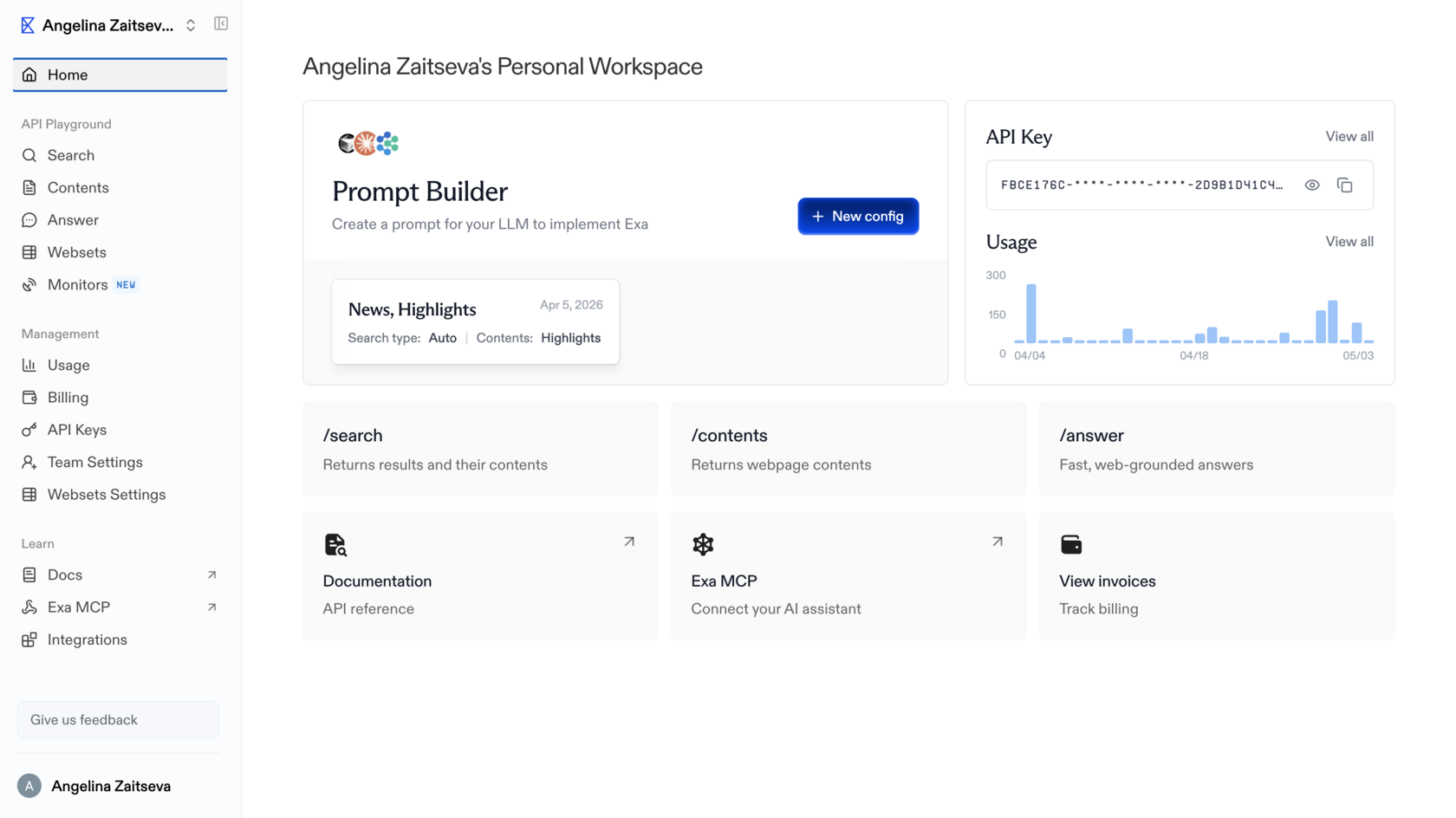
Exa is the only tool on this list with genuine semantic search of the open web. Other tools either layer ML on top of keyword indexes or use Google under the hood. Exa runs a vector index where pages and queries are encoded as embeddings, and proximity in vector space equals proximity in meaning. You phrase queries as descriptions of the ideal content rather than as keywords. That is a real, novel capability and it does what it says.
What it does via API. The full API at docs.exa.ai exposes:
What it does via MCP. Two tools through the Claude.ai connector (Settings, Connectors, Exa):
What is missing via MCP. Domain filters, date filters, explicit neural versus keyword choice, highlights and summaries inside search results, livecrawl, Websets, the /research endpoint.
Latency. Instant <200 ms; Fast <350 ms; Auto ~500 ms; Deep ~3.5 s (agentic mode); livecrawl is slower and depends on the target site.
Pricing. $5 per 1,000 search calls; $1 per 1,000 contents calls; Websets has separate pricing.
Defining limitations. The MCP version is significantly stripped relative to the API. No domain or date filters, no livecrawl, no Websets. Through MCP, Exa is just semantic search plus URL reading. The full power of the tool is only unlocked through the direct API. The index also updates less frequently than Tavily's: not the best choice for breaking news. And the vector index is a single point of failure for a category Exa more or less created. There is no second supplier of comparable open web semantic search at this scale, which is great for Exa and uncomfortable for everyone who depends on it.
What it does via API. The full API at docs.exa.ai exposes:
- /search endpoint with type: "neural" (semantic) or type: "keyword" (exact). You choose explicitly. Filters: includeDomains and excludeDomains for domain scoping, startPublishedDate and endPublishedDate for date filters, livecrawl: "always" | "fallback" for fetching content right now (bypassing the index), contents.highlights for relevant fragments only, contents.summary for AI summaries inside results, contents.text for full page text in a single call.
- /findsimilar endpoint: find pages similar to a given URL.
- /answer endpoint: direct answer to a question (OpenAI compatible).
- /research endpoint: autonomous deep research with JSON output and citations.
- Websets (separate product): structured entity collection by criteria, the engine for Job
What it does via MCP. Two tools through the Claude.ai connector (Settings, Connectors, Exa):
- web_search_exa: query (description of ideal content), numResults (1 to 100, default 10), and a category you can include in the query string (category:research paper, category:github, category:tweet, category:news). Returns title, URL, snippet.
- web_fetch_exa: list of urls to read in full, maxCharacters per page (default 3000). Returns clean Markdown.
What is missing via MCP. Domain filters, date filters, explicit neural versus keyword choice, highlights and summaries inside search results, livecrawl, Websets, the /research endpoint.
Latency. Instant <200 ms; Fast <350 ms; Auto ~500 ms; Deep ~3.5 s (agentic mode); livecrawl is slower and depends on the target site.
Pricing. $5 per 1,000 search calls; $1 per 1,000 contents calls; Websets has separate pricing.
Defining limitations. The MCP version is significantly stripped relative to the API. No domain or date filters, no livecrawl, no Websets. Through MCP, Exa is just semantic search plus URL reading. The full power of the tool is only unlocked through the direct API. The index also updates less frequently than Tavily's: not the best choice for breaking news. And the vector index is a single point of failure for a category Exa more or less created. There is no second supplier of comparable open web semantic search at this scale, which is great for Exa and uncomfortable for everyone who depends on it.
Perplexity Sonar API
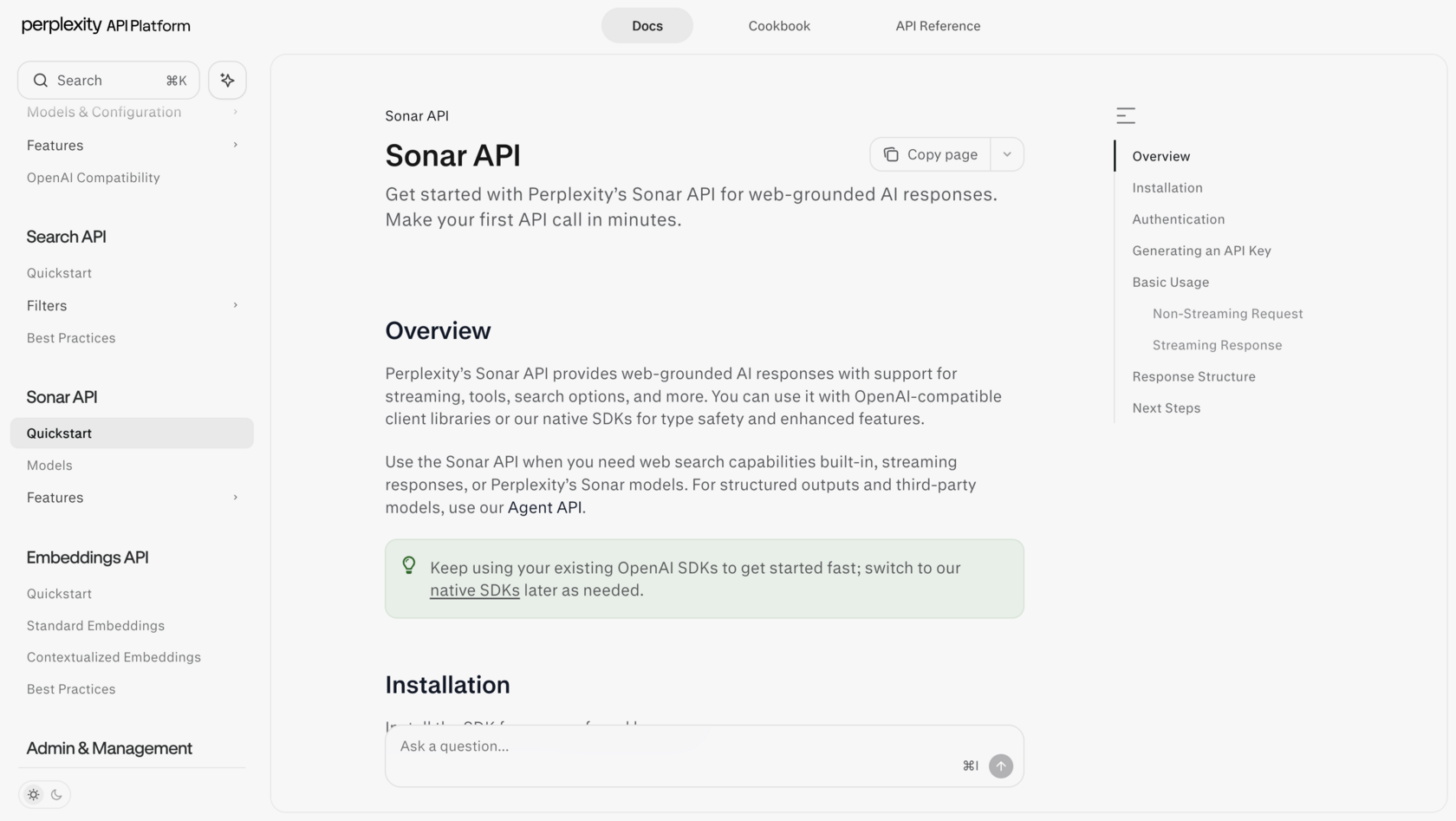
The largest proprietary index of any neo search engine: 200B+ URLs running on Vespa AI, with hybrid BM25 plus vector retrieval, cross encoder reranking, and sub document granularity (atomic passages, not whole pages). Median latency on the basic sonar model is 358 ms, among the fastest in the category. Perplexity processes about 780M queries per month.
What it does via API. OpenAI compatible endpoint at /chat/completions. Models:
Parameters include search_domain_filter, search_recency_filter (month, week, day, hour), return_citations, return_images, and stream. Perplexity also runs its own embedding models, pplx-embed-v1 (0.6B and 4B, on Qwen3).
Latency. sonar: 358 ms (p50). sonar-deep-research: 3 to 5 minutes.
Pricing. sonar: $1 per million input plus $5 per million output tokens. sonar-pro: $3/M plus $15/M. sonar-deep-research: $2/M plus $8/M. Plus $5 per 1,000 searches.
Defining limitations. The API returns a finished LLM answer rather than raw results: less control over the process. There is no MCP connector for Claude. And there is a controversy worth flagging directly. A Cloudflare investigation surfaced evidence of stealth crawlers using forged user agents, which is to say crawling sites that did not consent to being crawled. Perplexity's company valuation sits above $21B, the largest among neo search engines, which makes the question of how the index was built less of a footnote and more of a structural concern. If you care about the consent of the sources you index, this matters.
What it does via API. OpenAI compatible endpoint at /chat/completions. Models:
- sonar: base model, on Llama 3.3 70B, fast.
- sonar-pro: more powerful, more sources.
- sonar-reasoning-pro: with chain of thought.
- sonar-deep-research: autonomous deep research.
Parameters include search_domain_filter, search_recency_filter (month, week, day, hour), return_citations, return_images, and stream. Perplexity also runs its own embedding models, pplx-embed-v1 (0.6B and 4B, on Qwen3).
Latency. sonar: 358 ms (p50). sonar-deep-research: 3 to 5 minutes.
Pricing. sonar: $1 per million input plus $5 per million output tokens. sonar-pro: $3/M plus $15/M. sonar-deep-research: $2/M plus $8/M. Plus $5 per 1,000 searches.
Defining limitations. The API returns a finished LLM answer rather than raw results: less control over the process. There is no MCP connector for Claude. And there is a controversy worth flagging directly. A Cloudflare investigation surfaced evidence of stealth crawlers using forged user agents, which is to say crawling sites that did not consent to being crawled. Perplexity's company valuation sits above $21B, the largest among neo search engines, which makes the question of how the index was built less of a footnote and more of a structural concern. If you care about the consent of the sources you index, this matters.
Brave Search API
The only major independent index outside Google and Microsoft with an open API: strategically important after Google's and Bing's search APIs were shut down in August 2025. 40B+ pages, 100M+ daily updates. Brave is privacy first: no user tracking, SOC 2 Type II certified.
What it does via API. A clean /search endpoint with parameters q, count (1 to 20), freshness (pd day, pw week, pm month, py year), result_filter (web, news, videos, images), country, search_lang, ui_lang, safesearch, and offset pagination. Returns web results, news, videos, FAQs, and discussions. No built in AI layer. Pure index.
Latency. ~500 ms (p50). Faster than Exa for keyword queries.
Pricing. $5 per 1,000 calls. Free tier of 2,000 calls per month.
Defining limitations. No deep semantic layer like Exa. No AI processing of results like Tavily. No MCP connector for Claude. Best fit for privacy first projects, independence from Google and Microsoft, basic keyword search via API. Brave Search is also the backend Claude Deep Research uses by default, but at the system level, not under user control. Worth saying plainly: the entire agentic search ecosystem leans heavily on Brave for the "independent keyword index" slot. If something happened to Brave's commercial position, the dependency map of half the tools below would shift overnight.
What it does via API. A clean /search endpoint with parameters q, count (1 to 20), freshness (pd day, pw week, pm month, py year), result_filter (web, news, videos, images), country, search_lang, ui_lang, safesearch, and offset pagination. Returns web results, news, videos, FAQs, and discussions. No built in AI layer. Pure index.
Latency. ~500 ms (p50). Faster than Exa for keyword queries.
Pricing. $5 per 1,000 calls. Free tier of 2,000 calls per month.
Defining limitations. No deep semantic layer like Exa. No AI processing of results like Tavily. No MCP connector for Claude. Best fit for privacy first projects, independence from Google and Microsoft, basic keyword search via API. Brave Search is also the backend Claude Deep Research uses by default, but at the system level, not under user control. Worth saying plainly: the entire agentic search ecosystem leans heavily on Brave for the "independent keyword index" slot. If something happened to Brave's commercial position, the dependency map of half the tools below would shift overnight.
Parallel
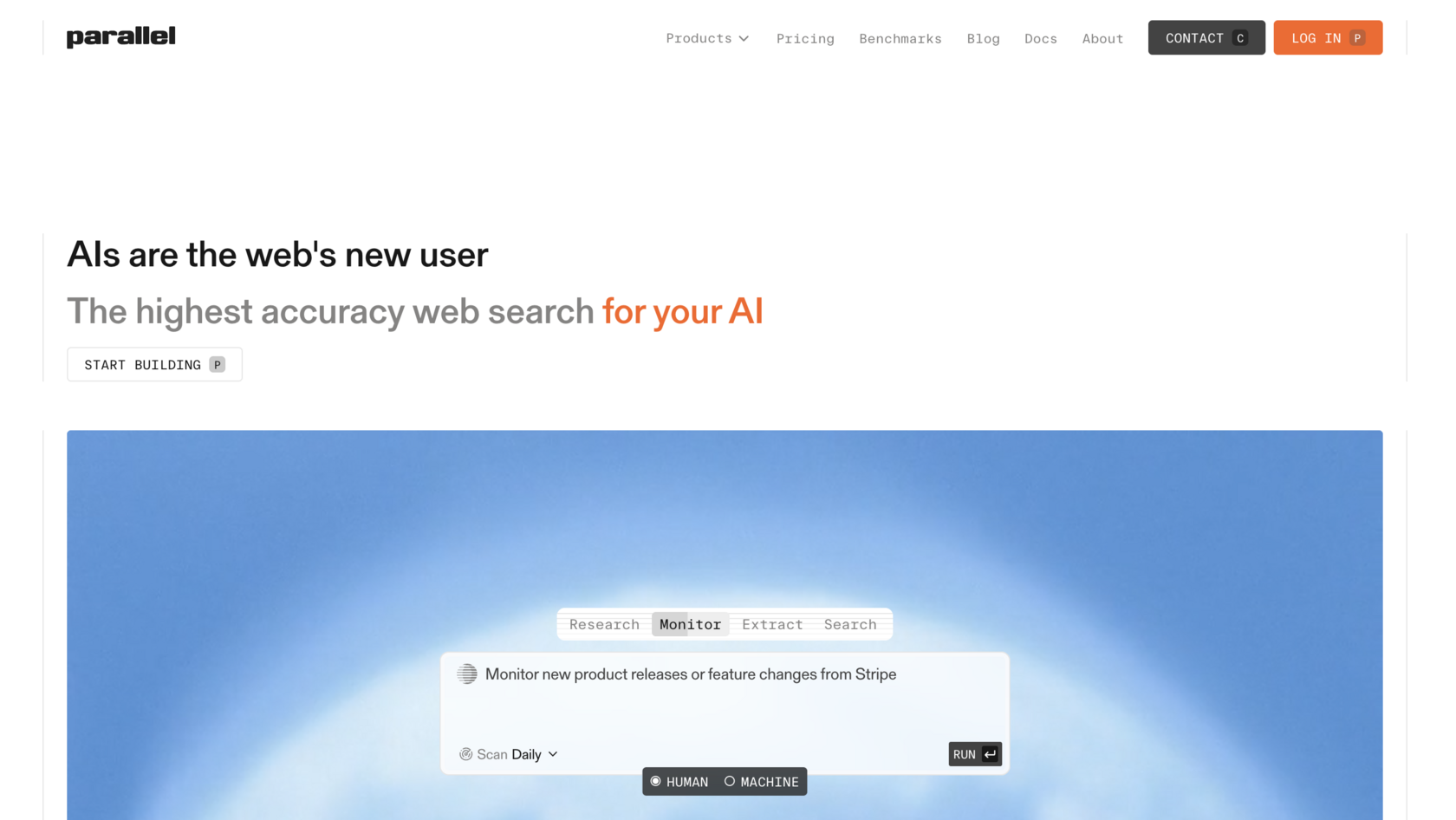
Parallel is the deepest deep research tool in the list, designed for hard, multistep questions rather than one shot lookups. On the BrowseComp benchmark, Parallel scored 58%, GPT-5 38%, and Exa Research 14%. Parallel's flagship Ultra8x processor scored a 96% win rate against the reference on DeepResearch Bench. Customers include Clay, Starbridge, Sourcegraph, and Fortune 100 and 500 firms.
What it does via API. Six products in total:
Every Task and FindAll result includes a Basis: citations, reasoning, and confidence scores.
What it does via MCP. Through the Claude.ai connector (search-mcp.parallel.ai/mcp):
The MCP mode is agentic: Parallel decides on its own how many searches to run and returns token optimized fragments with citations and confidence scores (Basis framework).
What is missing via MCP. Processor selection (Lite, Standard, Pro, Ultra8x), one shot mode (faster, less deep), Monitor API, FindAll, explicit domain or date filters (only via the objective text).
Latency. Base processor: 1 to 3 s. Standard: 5 to 15 s. Ultra8x: up to 30 min. MCP (agentic mode): typically 10 to 60 s.
Pricing. Search API: $4 to $9 per 1K. Task API: $5 to $2,400 per 1K (depending on processor). MCP: priced as Search API. Enterprise pricing for Ultra8x.
Defining limitations. Through MCP you only get the agentic mode without depth control. For maximum power (Ultra8x) you need direct API access. Parallel does not disclose architectural details: it is the least transparent tool on the list. The Basis framework provides citations and confidence scores, which is good, but the reasoning chain and the source weighting are still opaque. You are trusting the box. For routine work that is fine; for research where the methodology has to be defensible, it is uncomfortable. Best for hard multistep tasks; overkill for fast single query searches.
What it does via API. Six products in total:
- Search API ($4 to $9 per 1K, 1 to 70 s): search with processor selection.
- Task API ($5 to $2,400 per 1K, up to 30 min): nine depth tiers from Lite to Ultra8x.
- Extract: pulls content from a URL.
- Monitor: watches sites for changes on a schedule, delivers via webhook.
- Chat API: OpenAI compatible conversational interface with web search.
- FindAll API: separate product for bulk entity collection. Three stage pipeline: (1) generate candidates from the web index by query, (2) verify each candidate against your criteria, (3) enrich the result with additional fields. Sample call: "Find every dental clinic in Ohio with a 4+ Google rating," returns a structured table with the requested fields. Generators: preview (~10 candidates for testing), base, core, pro. Parameters: objective, entity_type, match_conditions, match_limit. Different from Search: Search returns a fixed set of results; FindAll dynamically generates and filters candidates. The closest analog is Exa Websets but on Parallel's own index.
Every Task and FindAll result includes a Basis: citations, reasoning, and confidence scores.
What it does via MCP. Through the Claude.ai connector (search-mcp.parallel.ai/mcp):
- web_search_preview is the only tool. Parameters: objective (required): the goal in plain language, as concrete as possible, and search_queries (optional list of up to 3 keyword queries for refinement).
The MCP mode is agentic: Parallel decides on its own how many searches to run and returns token optimized fragments with citations and confidence scores (Basis framework).
What is missing via MCP. Processor selection (Lite, Standard, Pro, Ultra8x), one shot mode (faster, less deep), Monitor API, FindAll, explicit domain or date filters (only via the objective text).
Latency. Base processor: 1 to 3 s. Standard: 5 to 15 s. Ultra8x: up to 30 min. MCP (agentic mode): typically 10 to 60 s.
Pricing. Search API: $4 to $9 per 1K. Task API: $5 to $2,400 per 1K (depending on processor). MCP: priced as Search API. Enterprise pricing for Ultra8x.
Defining limitations. Through MCP you only get the agentic mode without depth control. For maximum power (Ultra8x) you need direct API access. Parallel does not disclose architectural details: it is the least transparent tool on the list. The Basis framework provides citations and confidence scores, which is good, but the reasoning chain and the source weighting are still opaque. You are trusting the box. For routine work that is fine; for research where the methodology has to be defensible, it is uncomfortable. Best for hard multistep tasks; overkill for fast single query searches.
NewsCatcher
A specialty index for news. The only tool whose USP is delivery in minutes after publication, with near real time streaming over 140,000+ news sources in 100+ countries. Unlike Tavily and Exa, it does not answer queries. It scans and streams fresh content on subscription.
What it does via API. Two products:
Both products: SOC 2 Type II, 99.99% uptime, integrations with Slack, Snowflake, and others.
Latency. Minutes after publication: the core USP. Near real time streaming.
Pricing. Enterprise (no public tariffs, demo on request). API key free for testing.
Defining limitations. Specialized only on news and the open web. Not suitable for semantic search, scraping, or deep research. No MCP connector. Pricing is enterprise; there are no public tariffs, which makes cost planning difficult and small team adoption nearly impossible. The 140,000 source figure is impressive in scale; it says less about quality. A streaming pipeline that pulls everything also pulls everything: a lot of those sources are aggregators and SEO content farms, and the deduplication and quality weighting is not externally visible.
Aggregators (no proprietary index)
These tools layer their own AI processing on top of someone else's search index, usually Google. The convenience is real. The dependency is also real. After the Google search API shutdown in August 2025, aggregators are operating on increasingly precarious infrastructure, and that precariousness is rarely surfaced in their marketing.
What it does via API. Two products:
- News API: 140,000+ news sources in 100+ countries, filters by language, country, topic, entity (NLP entity resolution), delivery in minutes after publication, streaming or polling, 100M+ data points per day analyzed via NLP and ML.
- CatchAll Web Search API: 2B+ web pages, 86% recall. Not Google's top 10. Full coverage (recall first, not precision first). Structured JSON output for agents, near real time updates.
Both products: SOC 2 Type II, 99.99% uptime, integrations with Slack, Snowflake, and others.
Latency. Minutes after publication: the core USP. Near real time streaming.
Pricing. Enterprise (no public tariffs, demo on request). API key free for testing.
Defining limitations. Specialized only on news and the open web. Not suitable for semantic search, scraping, or deep research. No MCP connector. Pricing is enterprise; there are no public tariffs, which makes cost planning difficult and small team adoption nearly impossible. The 140,000 source figure is impressive in scale; it says less about quality. A streaming pipeline that pulls everything also pulls everything: a lot of those sources are aggregators and SEO content farms, and the deduplication and quality weighting is not externally visible.
Aggregators (no proprietary index)
These tools layer their own AI processing on top of someone else's search index, usually Google. The convenience is real. The dependency is also real. After the Google search API shutdown in August 2025, aggregators are operating on increasingly precarious infrastructure, and that precariousness is rarely surfaced in their marketing.
Tavily
Tavily does not have a proprietary index. It uses Google and Serper under the hood. Its strength is the AI processing layer on top: a single call replaces the full chain of search, scrape, parse, rank. For keyword queries and news, it is an excellent choice. For deep semantic search, Exa is stronger.
What it does via API. Adds beyond what MCP exposes: include_answer (LLM answer in the results), include_images, include_image_descriptions, include_favicon, and a /research endpoint with pro and mini models. Rate limits: 100 RPM (free), 1,000 RPM (paid). Standard LangChain and LlamaIndex integrations. Tavily was acquired by Nebius (formerly Yandex N.V.) in February 2026 for up to $400M.
What it does via MCP. Server at mcp.tavily.com, exposing four tools:
Tavily's MCP via Claude.ai is not a built in connector. You connect via remote MCP URL.
Latency. Basic search: ~180 ms (p50). Extract: 1 to 2 s. Crawl: depends on site size.
Pricing. Free: 1,000 credits per month. Pay as you go: ~$0.008 per credit. Monthly: $0.005 to $0.0075 per credit at volume. 1 credit = 1 search call.
Defining limitations. No proprietary index: strategic dependency on Google and on Serper, which itself depends on Google. No genuine semantic search. The Nebius acquisition is recent enough that the long term roadmap and pricing structure are uncertain. Building a production system on Tavily means accepting that an upstream pricing or access change at Google could ripple through your stack with limited warning.
What it does via API. Adds beyond what MCP exposes: include_answer (LLM answer in the results), include_images, include_image_descriptions, include_favicon, and a /research endpoint with pro and mini models. Rate limits: 100 RPM (free), 1,000 RPM (paid). Standard LangChain and LlamaIndex integrations. Tavily was acquired by Nebius (formerly Yandex N.V.) in February 2026 for up to $400M.
What it does via MCP. Server at mcp.tavily.com, exposing four tools:
- tavily_search: query (required), search_depth (basic ~180 ms or advanced for more sources), topic (general or news), days (recency filter for news), time_range, start_date, end_date, max_results (5 to 20, default 10), include_raw_content (full text of pages), include_domains, exclude_domains, country. Returns title, URL, snippet, relevance score.
- tavily_extract: up to 20 URLs at a time. Returns clean text or Markdown.
- tavily_crawl: url (start), max_depth, max_breadth, limit, select_paths, exclude_paths. Returns the list of pages and optionally their content.
- tavily_map: url (start). Returns a structured URL map of the site.
Tavily's MCP via Claude.ai is not a built in connector. You connect via remote MCP URL.
Latency. Basic search: ~180 ms (p50). Extract: 1 to 2 s. Crawl: depends on site size.
Pricing. Free: 1,000 credits per month. Pay as you go: ~$0.008 per credit. Monthly: $0.005 to $0.0075 per credit at volume. 1 credit = 1 search call.
Defining limitations. No proprietary index: strategic dependency on Google and on Serper, which itself depends on Google. No genuine semantic search. The Nebius acquisition is recent enough that the long term roadmap and pricing structure are uncertain. Building a production system on Tavily means accepting that an upstream pricing or access change at Google could ripple through your stack with limited warning.
Serper
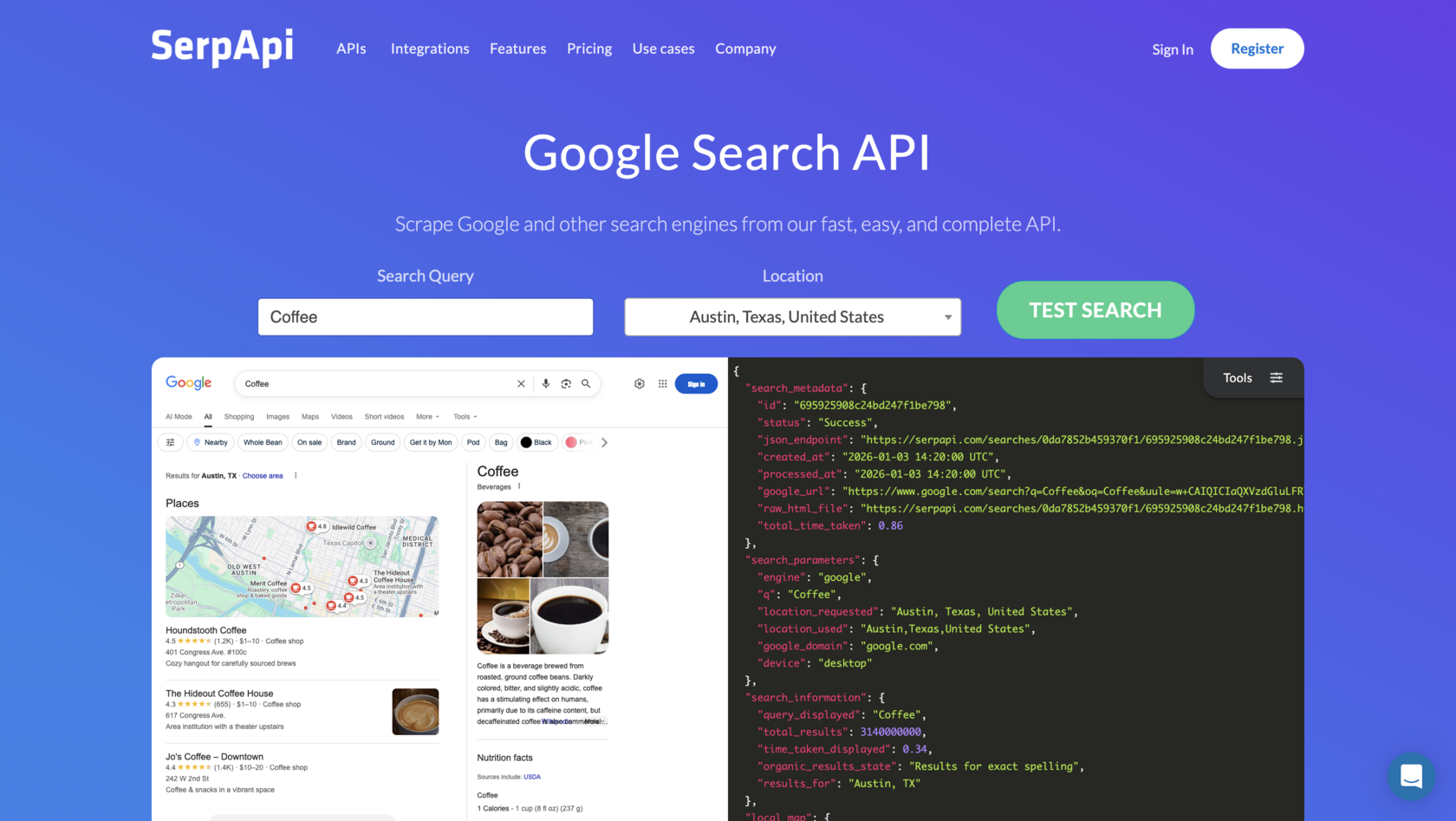
A pure SERP proxy without an AI layer or page contents. The cheapest way to get Google results via API. You will need a separate tool to read page text (Firecrawl, Jina Reader). RAG systems built on raw SERP consume roughly 40% more tokens during downstream processing than systems using Tavily. Savings on Serper can be eaten back by extra LLM cost.
What it does via API. A clean Google Search proxy with no AI processing:
Returns title, link, snippet. No page contents at all. If you need the page text, you need separate scraping. Tavily uses Serper as one of its backends under the hood.
Latency. 1 to 2 s.
Pricing. $0.30 to $1.00 per 1,000 calls. Cheapest in the category. Free tier: 2,500 calls per month.
Defining limitations. Pure SERP, no AI layer, no page contents. Cheapest way to access Google but you need a downstream scraper. Same dependency story as Tavily, sharper: Serper is a Google proxy. If Google's terms change or its tolerance for SERP scraping tightens, Serper becomes the clearest casualty in this list.
What it does via API. A clean Google Search proxy with no AI processing:
- /search (web), /news, /images, /places (Google Maps), /shopping, /scholar (Google Scholar).
- Parameters: q (query), gl (country), hl (language), num (count), tbs (filters: last hour, day, week).
Returns title, link, snippet. No page contents at all. If you need the page text, you need separate scraping. Tavily uses Serper as one of its backends under the hood.
Latency. 1 to 2 s.
Pricing. $0.30 to $1.00 per 1,000 calls. Cheapest in the category. Free tier: 2,500 calls per month.
Defining limitations. Pure SERP, no AI layer, no page contents. Cheapest way to access Google but you need a downstream scraper. Same dependency story as Tavily, sharper: Serper is a Google proxy. If Google's terms change or its tolerance for SERP scraping tightens, Serper becomes the clearest casualty in this list.
Valyu

Valyu is the only tool in the ecosystem that gives a single API through which an agent can search the open web and proprietary closed databases simultaneously. There is no proprietary web index. For the web, Valyu aggregates third party indexes.
What it does via API. Four endpoints:
What it does via MCP. Remote MCP server at mcp.valyu.ai/mcp. Same Search, Contents, and Answer are accessible. Also Agent Skills: pre built skills for Claude Code, Cursor, and Windsurf.
Latency. fast_mode (web only, no reranking): low. Standard (web plus proprietary, with reranking via Voyage AI): seconds. DeepResearch: minutes.
Pricing. Search: CPM based (priced per result tokens). Contents: $0.001 per URL, $0.002 with AI features. Answer: $0.10 per query plus variable. DeepResearch: $0.10 to $15 per task (fixed by mode). $10 free credits at signup.
Defining limitations. No proprietary web index: for the web, Valyu aggregates third party indexes. Semantic search is not as deep as Exa's. The "closed databases plus open web in one API" pitch is genuinely useful, but it also means Valyu is acting as a routing layer over many other systems, each with its own access terms, latency, and update cadence. When something is wrong with the output, debugging crosses a lot of boundaries you do not control.
Extraction tools (not search engines)
These tools do not search. They convert pages and sites into clean text or structured data. They are also where the open question of "who consents to being scraped" hits hardest, and where the friction with site owners is highest.
What it does via API. Four endpoints:
- Search (/v1/search). Headline feature: search_type: "all". An LLM router decides which sources fit the query best. Source types: "web" (open web only), "proprietary" (closed bases like arXiv, PubMed, SEC, patents, clinical trials, FRED), "news", "all" (default). A separate Datasources API lets you fetch the list of available sources and hand it to the agent so the agent picks. 36+ proprietary databases include arXiv, PubMed, bioRxiv, SEC EDGAR, FRED, patents, clinical research, FDA drug labels. Reranking via Voyage AI. Filters: dates, country, source_biases, relevance_threshold. fast_mode skips reranking and LLM query rewriting for low latency.
- Contents (/v1/contents). Clean text extraction by URL. Batch processing.
- Answer (/v1/answer). AI answer with real underlying search. Streaming via SSE.
- DeepResearch (/v1/deepresearch). Asynchronous multistep research. You launch the task, poll status, receive a report with citations. $0.10 to $15 per task.
What it does via MCP. Remote MCP server at mcp.valyu.ai/mcp. Same Search, Contents, and Answer are accessible. Also Agent Skills: pre built skills for Claude Code, Cursor, and Windsurf.
Latency. fast_mode (web only, no reranking): low. Standard (web plus proprietary, with reranking via Voyage AI): seconds. DeepResearch: minutes.
Pricing. Search: CPM based (priced per result tokens). Contents: $0.001 per URL, $0.002 with AI features. Answer: $0.10 per query plus variable. DeepResearch: $0.10 to $15 per task (fixed by mode). $10 free credits at signup.
Defining limitations. No proprietary web index: for the web, Valyu aggregates third party indexes. Semantic search is not as deep as Exa's. The "closed databases plus open web in one API" pitch is genuinely useful, but it also means Valyu is acting as a routing layer over many other systems, each with its own access terms, latency, and update cadence. When something is wrong with the output, debugging crosses a lot of boundaries you do not control.
Extraction tools (not search engines)
These tools do not search. They convert pages and sites into clean text or structured data. They are also where the open question of "who consents to being scraped" hits hardest, and where the friction with site owners is highest.
Firecrawl
Firecrawl is the most reliable browser based scraper on the list. It renders JavaScript via headless Chrome by default, which means it handles the modern JS rendered web where simple HTTP scrapers fail. It also handles full site crawling and is the only tool that can interact with pages: clicking, filling forms, navigating like a human. With 106K+ GitHub stars, it is the largest open source project in the category (AGPL-3.0). You can self host. Series A: $14.5M (August 2025); already profitable.
What it does via API.
What it does via MCP. Server via npx firecrawl-cli or direct connection. Tools:
What is missing via MCP. /extract with JSON schema (LLM structured extraction), /agent (FIRE-1 autonomous researcher), Spark AI models directly.
Latency. Scrape: p95 ~3.4 s. JS heavy pages: 5 to 10 s. Crawl: depends on site. Interact: slow, every action waits for a render.
Pricing. From $16 per month (3,000 credits, 1 credit = 1 page).
Defining limitations. Firecrawl is not a search engine. It is an extraction layer. It does not search by meaning or by keyword at index scale. You need it when the agent already knows where the data is and needs to get it, especially when the site is JS heavy or requires interaction. Slower than every search oriented tool on the list. Antibot defenses (Cloudflare, CAPTCHA) remain the key barrier even with Fire Engine. And the broader question: Firecrawl is the most powerful page interaction tool on this list, which means it is also the tool with the most potential to do things site owners would not consent to if asked. The legitimate uses are real and the abuse potential is also real. We do not yet have shared norms here.
What it does via API.
- /extract: LLM driven structured extraction by user defined JSON schema. Pass schema={name, price, rating} and get structured data from any page.
- /agent: autonomous web researcher (FIRE-1). Spark models: Fast (instant), Mini (60% cheaper), Pro (max precision).
- Fire Engine backend (cloud only): 40% more reliable, 33% faster.
What it does via MCP. Server via npx firecrawl-cli or direct connection. Tools:
- scrape: single page, returns Markdown, HTML, JSON, or screenshot. Parameters: url (required), formats. Headless Chrome JS rendering automatic.
- crawl: traverse a whole site. Parameters: url, maxDepth, maxPages. Returns every page within the domain.
- map: sitemap. Returns a list of all discovered URLs.
- interact: drive the browser in language. Parameters: scrape_id (session from a previous scrape), prompt ("Click on the first result," "Fill the email field with..."). Persists browser state across calls.
- search: web search plus page content. Not a proprietary index, an aggregator.
What is missing via MCP. /extract with JSON schema (LLM structured extraction), /agent (FIRE-1 autonomous researcher), Spark AI models directly.
Latency. Scrape: p95 ~3.4 s. JS heavy pages: 5 to 10 s. Crawl: depends on site. Interact: slow, every action waits for a render.
Pricing. From $16 per month (3,000 credits, 1 credit = 1 page).
Defining limitations. Firecrawl is not a search engine. It is an extraction layer. It does not search by meaning or by keyword at index scale. You need it when the agent already knows where the data is and needs to get it, especially when the site is JS heavy or requires interaction. Slower than every search oriented tool on the list. Antibot defenses (Cloudflare, CAPTCHA) remain the key barrier even with Fire Engine. And the broader question: Firecrawl is the most powerful page interaction tool on this list, which means it is also the tool with the most potential to do things site owners would not consent to if asked. The legitimate uses are real and the abuse potential is also real. We do not yet have shared norms here.
Jina AI
Jina is not a search system. It is a model stack. It supplies the components other companies use to build search: the Reader API for clean text extraction, the Embeddings API for vector representations, the Reranker for refining ranked lists. There is no Jina web index. The value is in the quality of the models, with 14+ publications at top conferences.
What it does via API.
Jina was acquired by Elastic (NYSE: ESTC) in October 2025.
Latency. Reader: ~2 s. Embeddings: <100 ms. Reranker: depends on document count.
Pricing. Reader: free (basic) or token based (premium). Embeddings and Reranker: token based. Open models on HuggingFace.
Defining limitations. Not a consumer product. Jina is for developers building RAG pipelines, not for direct use in Claude. The Elastic acquisition is good for Jina's stability but, like every consolidation in this space, narrows the supplier landscape: more capability concentrated in fewer companies.
What it does via API.
- Reader API (r.jina.ai). GET r.jina.ai/{url} returns clean Markdown for any page. Free for basic use. Optional: ReaderLM-v2 (1.5B parameters, 512K context, 29 languages). 10M+ requests per day, 100B tokens daily.
- Embeddings API. jina-embeddings-v3: 570M, task specific LoRA adapters, Matryoshka 32 to 1024 dim. jina-embeddings-v4: 3.8B, unified text and image pathway, 2048 dim. jina-embeddings-v5-text: sub 1B, SOTA in class (February 2026).
- Reranker API. jina-reranker-v3: SOTA on BEIR (61.94 nDCG@10). jina-reranker-m0: multimodal, SOTA on ViDoRe.
- Search API (s.jina.ai). Search via Google plus Reader on top 5 results. Not a proprietary index.
Jina was acquired by Elastic (NYSE: ESTC) in October 2025.
Latency. Reader: ~2 s. Embeddings: <100 ms. Reranker: depends on document count.
Pricing. Reader: free (basic) or token based (premium). Embeddings and Reranker: token based. Open models on HuggingFace.
Defining limitations. Not a consumer product. Jina is for developers building RAG pipelines, not for direct use in Claude. The Elastic acquisition is good for Jina's stability but, like every consolidation in this space, narrows the supplier landscape: more capability concentrated in fewer companies.
Claude Native Web Access
Claude has three different ways to reach the open web natively, all running through Anthropic. None of them replaces specialized tools: Exa for semantics, Firecrawl for hard JS, Parallel for deep research.
What it does via API. Three native mechanisms:
1. Built in web_search (Responses API). Anthropic's official tool, runs on Brave Search. Activated when the developer attaches it to an API call:
How it works: Claude itself decides when to search, formulates the query, receives results, and integrates them into context. The developer does not write the query, only the constraints. Cost: $10 per million input tokens plus $40 per million output tokens plus a separate per search fee. Results are encrypted before they reach Claude's context. This mechanism is what powers Claude Research (Deep Research) under the hood. It is also embedded into Claude Code as the WebSearch tool with query, allowed_domains, blocked_domains.
2. Claude Code plus bash and code. Claude Code has terminal access and can execute arbitrary code. That means a Claude Code agent can hit the web through any tool the environment supports:
This is not a built in feature. It is a consequence of Claude Code being able to write and run code. The agent writes the script, runs it, and reads the output.
3. Claude.ai (chat), built in web search. In Claude.ai, the user can enable web search in settings. Same Brave based mechanism as #1, but managed by Anthropic. The user does not control parameters directly. 86.7% of Claude's citations match the top of Brave Search.
What it does via MCP. This is not an MCP tool. Claude has native web access through three different mechanisms, see above.
Latency. web_search (single query): seconds. Claude Research (deep research): 5 to 15 min. Claude Code plus code: depends on the tool used.
Pricing. web_search tool (API): $10 per million input plus $40 per million output plus per search fee. Claude Code: priced as Claude API usage. Claude.ai: included in subscription ($20 to $200 per month).
Defining limitations. The built in web_search runs on Brave, a keyword index without deep semantics. The developer does not choose the search engine, only the constraints via parameters. Claude Code gives full freedom (any tool via code) but requires writing code and configuring the environment. None of these mechanisms replaces specialized tools: Exa for semantics, Firecrawl for hard JS, Parallel for deep research. There is also a meta point worth saying out loud: the fact that Claude's default web access depends on Brave means that the Brave question (a single private company supplying the only major independent keyword index) is also a question for Claude users, even when they do not realize it.
What it does via API. Three native mechanisms:
1. Built in web_search (Responses API). Anthropic's official tool, runs on Brave Search. Activated when the developer attaches it to an API call:
- Tool: web_search_20260209 (current version) or web_search_20250305.
- Parameters: max_uses (how many searches per request), allowed_domains (search only these, cannot combine with blocked_domains), blocked_domains (never visit these), user_location (city, region, country, timezone for localization).
- New in version 20260209: Claude can write and execute code to dynamically filter search results before they enter the context. Requires the code execution tool to also be enabled. Reduces token consumption.
How it works: Claude itself decides when to search, formulates the query, receives results, and integrates them into context. The developer does not write the query, only the constraints. Cost: $10 per million input tokens plus $40 per million output tokens plus a separate per search fee. Results are encrypted before they reach Claude's context. This mechanism is what powers Claude Research (Deep Research) under the hood. It is also embedded into Claude Code as the WebSearch tool with query, allowed_domains, blocked_domains.
2. Claude Code plus bash and code. Claude Code has terminal access and can execute arbitrary code. That means a Claude Code agent can hit the web through any tool the environment supports:
- curl or wget: simple HTTP.
- Python requests or httpx: programmatic HTTP.
- Playwright or Selenium: full headless browser with JS rendering and interaction.
- Any MCP tool (Exa, Tavily, Firecrawl) connected to Claude Code.
This is not a built in feature. It is a consequence of Claude Code being able to write and run code. The agent writes the script, runs it, and reads the output.
3. Claude.ai (chat), built in web search. In Claude.ai, the user can enable web search in settings. Same Brave based mechanism as #1, but managed by Anthropic. The user does not control parameters directly. 86.7% of Claude's citations match the top of Brave Search.
What it does via MCP. This is not an MCP tool. Claude has native web access through three different mechanisms, see above.
Latency. web_search (single query): seconds. Claude Research (deep research): 5 to 15 min. Claude Code plus code: depends on the tool used.
Pricing. web_search tool (API): $10 per million input plus $40 per million output plus per search fee. Claude Code: priced as Claude API usage. Claude.ai: included in subscription ($20 to $200 per month).
Defining limitations. The built in web_search runs on Brave, a keyword index without deep semantics. The developer does not choose the search engine, only the constraints via parameters. Claude Code gives full freedom (any tool via code) but requires writing code and configuring the environment. None of these mechanisms replaces specialized tools: Exa for semantics, Firecrawl for hard JS, Parallel for deep research. There is also a meta point worth saying out loud: the fact that Claude's default web access depends on Brave means that the Brave question (a single private company supplying the only major independent keyword index) is also a question for Claude users, even when they do not realize it.
6. MCP versus API: The Access Mode That Changes Everything
A critical pattern shows up across most of these tools. The MCP version is significantly stripped down compared to the direct API. This is not a defect. It is a deliberate product decision, and it matters for how you architect your agent.
MCP (Model Context Protocol) is the standard Anthropic introduced to let Claude (and other LLMs) talk to external tools through a common interface. When you add Exa or Tavily as a connector in Claude.ai, MCP is what is plumbing the connection. The benefit: the tool is one click away, no API keys in your code, no infrastructure to manage.
MCP (Model Context Protocol) is the standard Anthropic introduced to let Claude (and other LLMs) talk to external tools through a common interface. When you add Exa or Tavily as a connector in Claude.ai, MCP is what is plumbing the connection. The benefit: the tool is one click away, no API keys in your code, no infrastructure to manage.
The implication: for casual use, MCP is plenty. For production agents that need fine grained control, the API is the only way. If you are building a research workflow where you need date filters, domain scoping, or livecrawl, you almost certainly need to drop down to the direct API.
There is also a subtler point. MCP tends to push tools toward an agentic mode: the tool decides on its own how to do the work. APIs tend to expose explicit knobs. That trade off (autonomy versus control) is the deeper story behind the surface gap. When Parallel exposes only web_search_preview through MCP and lets the tool itself decide depth and breadth, that is coherent with how MCP is meant to be used. But if you need Ultra8x specifically, you need the API.
The honest version: choosing MCP is choosing convenience and giving up auditability. The tool is more autonomous, which means the failure modes are also more autonomous. For research workflows where the methodology has to be defensible, that trade is worth thinking about carefully, not defaulting through.
There is also a subtler point. MCP tends to push tools toward an agentic mode: the tool decides on its own how to do the work. APIs tend to expose explicit knobs. That trade off (autonomy versus control) is the deeper story behind the surface gap. When Parallel exposes only web_search_preview through MCP and lets the tool itself decide depth and breadth, that is coherent with how MCP is meant to be used. But if you need Ultra8x specifically, you need the API.
The honest version: choosing MCP is choosing convenience and giving up auditability. The tool is more autonomous, which means the failure modes are also more autonomous. For research workflows where the methodology has to be defensible, that trade is worth thinking about carefully, not defaulting through.
7. How to Choose the Right Tool for Each Job
Here is a compact decision matrix. Match the job in the left column. The right columns name the tool we would reach for first, and what we would use it for.
A few cross cutting principles that come out of the matrix:
Match the job, not the tool. Most teams start with one favorite tool (often Tavily or Exa) and try to make it do everything. That works until it does not. The split between "search by meaning" (Job 1) and "search by exact words" (Job 2) is the most common mismatch. Running concept queries through a keyword index returns disappointing results, and nobody knows why.
Mind the index update lag. Vector indexes (Exa) update less often than keyword indexes (Brave, Google). If your work involves recent content, prefer keyword tools or use Exa with livecrawl.
For real time, use livecrawl or streaming. Indexes always have a delay. NewsCatcher streams; Exa livecrawl bypasses the index. Do not expect Tavily or Brave to surface a news item posted 90 seconds ago.
For JavaScript heavy sites, default to Firecrawl. Other extractors will return empty pages where Firecrawl returns clean text. The cost (slower, more expensive) is worth it for sites where it is the difference between content and nothing.
Deep research is its own category. Do not try to chain together a search tool plus an LLM and call it deep research. Tools built for the job (Parallel, Perplexity Sonar Deep Research, Exa /research, Claude Research) handle the full plan, search, read, evaluate loop. The orchestration is the product.
Verify, do not trust. This applies across all jobs. Every tool above can fail silently. Build verification into your workflow: spot check sources, sample outputs against known ground truth, monitor for changes in tool behavior over time. Treating any of these as a black box that returns truth is a bad habit, and it is a habit the industry currently encourages because it is easier to demo.
Match the job, not the tool. Most teams start with one favorite tool (often Tavily or Exa) and try to make it do everything. That works until it does not. The split between "search by meaning" (Job 1) and "search by exact words" (Job 2) is the most common mismatch. Running concept queries through a keyword index returns disappointing results, and nobody knows why.
Mind the index update lag. Vector indexes (Exa) update less often than keyword indexes (Brave, Google). If your work involves recent content, prefer keyword tools or use Exa with livecrawl.
For real time, use livecrawl or streaming. Indexes always have a delay. NewsCatcher streams; Exa livecrawl bypasses the index. Do not expect Tavily or Brave to surface a news item posted 90 seconds ago.
For JavaScript heavy sites, default to Firecrawl. Other extractors will return empty pages where Firecrawl returns clean text. The cost (slower, more expensive) is worth it for sites where it is the difference between content and nothing.
Deep research is its own category. Do not try to chain together a search tool plus an LLM and call it deep research. Tools built for the job (Parallel, Perplexity Sonar Deep Research, Exa /research, Claude Research) handle the full plan, search, read, evaluate loop. The orchestration is the product.
Verify, do not trust. This applies across all jobs. Every tool above can fail silently. Build verification into your workflow: spot check sources, sample outputs against known ground truth, monitor for changes in tool behavior over time. Treating any of these as a black box that returns truth is a bad habit, and it is a habit the industry currently encourages because it is easier to demo.
8. The Shape of the Market, and What It Costs Us
A handful of patterns are visible across this ecosystem. They tell a story about where agentic AI search is heading, and about a few costs the industry conversation tends to skip.
The Google API shutdown reshaped the market. When Google and Bing closed their search APIs in August 2025, the agentic search market split into two camps: tools that built their own indexes (Exa, Perplexity, Brave, Parallel, NewsCatcher) and tools that aggregate Google through scraping or third parties (Tavily, Serper, Valyu, Jina). Independent indexes became strategically valuable in a way they were not before. Whether that creates resilience or just a new set of single points of failure depends on which company you ask.
MCP is consolidating around Claude as the canonical agent runtime. Almost every serious tool now has an MCP connector or is building one. The exceptions (Perplexity, Brave, Serper, NewsCatcher, Jina) are notable because they define the limit: tools whose business model does not fit MCP's interaction shape, or that have not yet decided on their consumer facing strategy. The flip side of this is that MCP is becoming an Anthropic shaped standard. Healthy in the short term, worth watching in the long term.
Specialization is winning over generalism. Five years ago, the assumption was that a single great search engine would beat a fragmented field of specialists. The opposite is happening. Firecrawl owns JS scraping. Exa owns semantic search. Parallel owns deep research. NewsCatcher owns news streaming. Each is the best at their slice. Nobody is the best at everything. Building a good agent now means stitching together several specialists, which is more capable than any one tool but also means more places where things can quietly break.
Acquisitions are picking up speed. Tavily was acquired by Nebius for up to $400M in February 2026. Jina was acquired by Elastic in October 2025. Perplexity sits above $21B in valuation. The infrastructure layer is consolidating into bigger platforms. This is normal market behavior. It also means the people running the infrastructure for AI agents in 2026 are increasingly the same people who run other large pieces of internet infrastructure, which compresses the supplier diversity that the post Google API world briefly seemed to promise.
Pricing models are diverging. Some tools price per call (Exa, Brave, Serper). Others price per credit (Tavily). Others price per token (Perplexity). Others price per task (Valyu DeepResearch). Comparing cost across tools without knowing the workload shape is meaningless. Buyers have less leverage than they think, because direct comparison is hard by design.
The next frontier: closed data integration. Open web is increasingly understood. The next infrastructure layer is making proprietary databases (arXiv, PubMed, SEC, FRED, patents, clinical trials) reachable through the same API surface as the open web. Valyu is the first to ship this; we expect more entrants. This is the layer where the "open web" framing starts to break down: the most valuable knowledge for serious research has always been partly behind paywalls and partly in databases, and integrating that into agentic workflows raises questions about access, licensing, and consent that the open web tools mostly sidestep.
A cost the industry conversation tends to skip. Most of these tools are crawling the public web at scale to feed AI agents that then summarize that content for users who never visit the original source. The economics of the web that produced the content these tools depend on were built on a different assumption: that search engines drove traffic to publishers, who monetized that traffic, who used that revenue to produce more content. Agentic search disrupts that loop without yet replacing it. Site owners have noticed. The friction is real. There is no consensus answer, and the tools above are mostly silent about it. We are not. This is one of the open questions Garden is here to follow.
For researchers and builders, the practical implication of all of this is straightforward. Choose tools deliberately. Verify outputs. Do not mistake polished interfaces for trustworthy ones. And keep an eye on who owns what, because the map will look different a year from now.
The Google API shutdown reshaped the market. When Google and Bing closed their search APIs in August 2025, the agentic search market split into two camps: tools that built their own indexes (Exa, Perplexity, Brave, Parallel, NewsCatcher) and tools that aggregate Google through scraping or third parties (Tavily, Serper, Valyu, Jina). Independent indexes became strategically valuable in a way they were not before. Whether that creates resilience or just a new set of single points of failure depends on which company you ask.
MCP is consolidating around Claude as the canonical agent runtime. Almost every serious tool now has an MCP connector or is building one. The exceptions (Perplexity, Brave, Serper, NewsCatcher, Jina) are notable because they define the limit: tools whose business model does not fit MCP's interaction shape, or that have not yet decided on their consumer facing strategy. The flip side of this is that MCP is becoming an Anthropic shaped standard. Healthy in the short term, worth watching in the long term.
Specialization is winning over generalism. Five years ago, the assumption was that a single great search engine would beat a fragmented field of specialists. The opposite is happening. Firecrawl owns JS scraping. Exa owns semantic search. Parallel owns deep research. NewsCatcher owns news streaming. Each is the best at their slice. Nobody is the best at everything. Building a good agent now means stitching together several specialists, which is more capable than any one tool but also means more places where things can quietly break.
Acquisitions are picking up speed. Tavily was acquired by Nebius for up to $400M in February 2026. Jina was acquired by Elastic in October 2025. Perplexity sits above $21B in valuation. The infrastructure layer is consolidating into bigger platforms. This is normal market behavior. It also means the people running the infrastructure for AI agents in 2026 are increasingly the same people who run other large pieces of internet infrastructure, which compresses the supplier diversity that the post Google API world briefly seemed to promise.
Pricing models are diverging. Some tools price per call (Exa, Brave, Serper). Others price per credit (Tavily). Others price per token (Perplexity). Others price per task (Valyu DeepResearch). Comparing cost across tools without knowing the workload shape is meaningless. Buyers have less leverage than they think, because direct comparison is hard by design.
The next frontier: closed data integration. Open web is increasingly understood. The next infrastructure layer is making proprietary databases (arXiv, PubMed, SEC, FRED, patents, clinical trials) reachable through the same API surface as the open web. Valyu is the first to ship this; we expect more entrants. This is the layer where the "open web" framing starts to break down: the most valuable knowledge for serious research has always been partly behind paywalls and partly in databases, and integrating that into agentic workflows raises questions about access, licensing, and consent that the open web tools mostly sidestep.
A cost the industry conversation tends to skip. Most of these tools are crawling the public web at scale to feed AI agents that then summarize that content for users who never visit the original source. The economics of the web that produced the content these tools depend on were built on a different assumption: that search engines drove traffic to publishers, who monetized that traffic, who used that revenue to produce more content. Agentic search disrupts that loop without yet replacing it. Site owners have noticed. The friction is real. There is no consensus answer, and the tools above are mostly silent about it. We are not. This is one of the open questions Garden is here to follow.
For researchers and builders, the practical implication of all of this is straightforward. Choose tools deliberately. Verify outputs. Do not mistake polished interfaces for trustworthy ones. And keep an eye on who owns what, because the map will look different a year from now.
9. FAQ
What is agentic AI search in one sentence? It is letting an autonomous AI agent plan, execute, and synthesize web research on its own. Running a loop of search, read, evaluate, and pivot, instead of doing a single round trip the way a human Googling does.
How is it different from traditional search? Traditional search is built for human eyes: ranked links, ads, click through. Agentic search is built for machine context: clean text, structured output, semantic and keyword indexes optimized for relevance to a question rather than for clicks.
Do I need a separate tool, or can Claude search the web on its own? Claude has native web access (built in web_search in the API and Claude.ai). For simple lookups it is enough. For semantic search, JS heavy pages, deep multistep research, or structured entity collection, specialized tools (Exa, Firecrawl, Parallel, etc.) are significantly better.
What is the difference between MCP and an API for these tools? MCP is one click integration with Claude through a standard protocol: easier to set up but with a narrower feature surface. The direct API exposes the full feature set, including filters, depth controls, and specialized endpoints not available through MCP. Choosing MCP is also choosing more autonomy and less auditability, which is sometimes the right call and sometimes not.
Which tool is best for academic or scientific research? Two angles. For open web semantic search of papers and essays, Exa is the strongest. For querying proprietary databases like arXiv, PubMed, and SEC EDGAR alongside the open web in one call, Valyu is the only option that does both. For long, multistep research reports with citations, Parallel (Ultra8x) and Perplexity Sonar Deep Research lead. With the caveat that all deep research outputs need to be verified against primary sources, regardless of how confident the tool sounds.
Why can't an agent just use Google? Google's search API was shut down in August 2025 (along with Bing's). Even before that, Google's ranking is optimized for human click through, not for completeness or for matching the latent semantics of a complex query. Agents need a different layer.
What is "livecrawl" and when do I need it? Livecrawl means fetching a page directly right now, bypassing the search index. You need it when content was just published (within minutes) and has not entered the index yet, or when you want to be certain you are getting the current state of a page rather than a possibly stale indexed copy.
Is agentic AI search expensive? It depends entirely on the workload. A simple keyword search via Serper costs $0.30 per 1,000 calls. A deep research task on Parallel Ultra8x can cost $2.40 per task. Choosing the right tool for the job is most of the cost optimization. Pricing models vary so widely that direct comparison without a fixed workload is misleading.
What are the main risks? Hallucinations (the agent fabricating facts instead of looking them up), context window exhaustion on large research tasks, antibot defenses blocking automated requests, paywalls hiding essential content silently, over reliance on a single backend (e.g. everything routing through Google or Brave), and the broader unsettled question of consent: most of these tools crawl content that publishers did not actively agree to be ingested by AI agents, and the norms around that are still being negotiated.
How do I get started? Pick the job you actually need to do (use the eight from this guide). Pick one tool that fits the job, get it working through MCP if it has a connector, validate the output, and only then expand. Do not try to build a meta router that picks tools dynamically until you understand each tool's behavior on your actual workload. And build verification in from the start: every output gets sampled against ground truth, every tool gets monitored for behavior change over time. The industry will not do this for you.
How is it different from traditional search? Traditional search is built for human eyes: ranked links, ads, click through. Agentic search is built for machine context: clean text, structured output, semantic and keyword indexes optimized for relevance to a question rather than for clicks.
Do I need a separate tool, or can Claude search the web on its own? Claude has native web access (built in web_search in the API and Claude.ai). For simple lookups it is enough. For semantic search, JS heavy pages, deep multistep research, or structured entity collection, specialized tools (Exa, Firecrawl, Parallel, etc.) are significantly better.
What is the difference between MCP and an API for these tools? MCP is one click integration with Claude through a standard protocol: easier to set up but with a narrower feature surface. The direct API exposes the full feature set, including filters, depth controls, and specialized endpoints not available through MCP. Choosing MCP is also choosing more autonomy and less auditability, which is sometimes the right call and sometimes not.
Which tool is best for academic or scientific research? Two angles. For open web semantic search of papers and essays, Exa is the strongest. For querying proprietary databases like arXiv, PubMed, and SEC EDGAR alongside the open web in one call, Valyu is the only option that does both. For long, multistep research reports with citations, Parallel (Ultra8x) and Perplexity Sonar Deep Research lead. With the caveat that all deep research outputs need to be verified against primary sources, regardless of how confident the tool sounds.
Why can't an agent just use Google? Google's search API was shut down in August 2025 (along with Bing's). Even before that, Google's ranking is optimized for human click through, not for completeness or for matching the latent semantics of a complex query. Agents need a different layer.
What is "livecrawl" and when do I need it? Livecrawl means fetching a page directly right now, bypassing the search index. You need it when content was just published (within minutes) and has not entered the index yet, or when you want to be certain you are getting the current state of a page rather than a possibly stale indexed copy.
Is agentic AI search expensive? It depends entirely on the workload. A simple keyword search via Serper costs $0.30 per 1,000 calls. A deep research task on Parallel Ultra8x can cost $2.40 per task. Choosing the right tool for the job is most of the cost optimization. Pricing models vary so widely that direct comparison without a fixed workload is misleading.
What are the main risks? Hallucinations (the agent fabricating facts instead of looking them up), context window exhaustion on large research tasks, antibot defenses blocking automated requests, paywalls hiding essential content silently, over reliance on a single backend (e.g. everything routing through Google or Brave), and the broader unsettled question of consent: most of these tools crawl content that publishers did not actively agree to be ingested by AI agents, and the norms around that are still being negotiated.
How do I get started? Pick the job you actually need to do (use the eight from this guide). Pick one tool that fits the job, get it working through MCP if it has a connector, validate the output, and only then expand. Do not try to build a meta router that picks tools dynamically until you understand each tool's behavior on your actual workload. And build verification in from the start: every output gets sampled against ground truth, every tool gets monitored for behavior change over time. The industry will not do this for you.
This guide is part of Garden Research's investigation into how AI is reshaping access to information and the practice of research. If you build or research in this space and want to share what is working, or what is not, we would love to hear from you.
